
Why Collaborative Data Documentation Is Critical for Engineering Teams in 2026
Collaborative documentation is the foundation of efficient data engineering teams. When documentation is fragmented across spreadsheets, Slack threads, and Git repositories, teams spend significantly more time searching for answers than creating value. According to Zippia (2026), teams with strong collaboration practices are 50% more productive than those operating in silos. This article systematically compares the tradeoffs of different collaborative documentation approaches – data catalogs, team wikis, and code-connected documentation – and provides practical implementation strategies that balance automation with governance. The goal is a layered approach that serves both technical and non-technical stakeholders, not just engineers.
Table of contents
- The Hidden Cost of Fragmented Data Documentation
- What Does an Effective Collaborative Documentation Model Look Like?
- How Do Different Documentation Tools Actually Compare?
- Common Pitfalls and How Successful Teams Avoid Them
- Building Your Collaborative Documentation Roadmap
- Frequently Asked Questions
The Hidden Cost of Fragmented Data Documentation
Fragmented documentation is not a minor inconvenience. It is a structural liability that compounds over time, silently draining engineering capacity and creating compliance exposure.
How disconnected tools fragment institutional knowledge
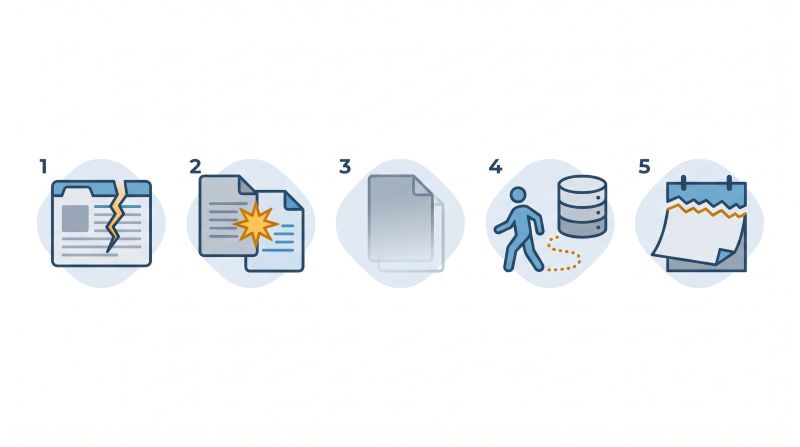
Data teams typically operate across a web of disconnected systems. According to Zerve (2026), most data teams work with 5-6 disconnected tools simultaneously, causing repeated loss of context and making work difficult to reproduce. A database schema lives in one place, transformation logic in another, business definitions in a wiki no one maintains, and edge-case knowledge in a Slack thread from 18 months ago. When a new engineer joins or a stakeholder asks a pointed question about data lineage, there is no single place to look.
The result is not just friction – it is institutional amnesia. Every team member who leaves takes undocumented knowledge with them. Every tool added without integration creates another documentation surface that diverges from reality.
Real-world impact: productivity loss and compliance risk
The productivity math is stark. dbt Labs (2026) reports that 57% of analytics professionals spend the majority of their time maintaining existing work rather than building new capabilities. That maintenance burden is inflated directly by poor documentation: engineers re-derive logic that was already solved, analysts re-explain data definitions in every meeting, and data quality issues surface downstream because upstream transformations were never documented.
Compliance risk is the less visible but more dangerous dimension. Regulations around data privacy and auditability require organizations to demonstrate traceability – who owns what data, how it moves, and who can access it. A fragmented documentation environment makes that traceability nearly impossible to produce on demand.
Why centralization matters more than tool choice
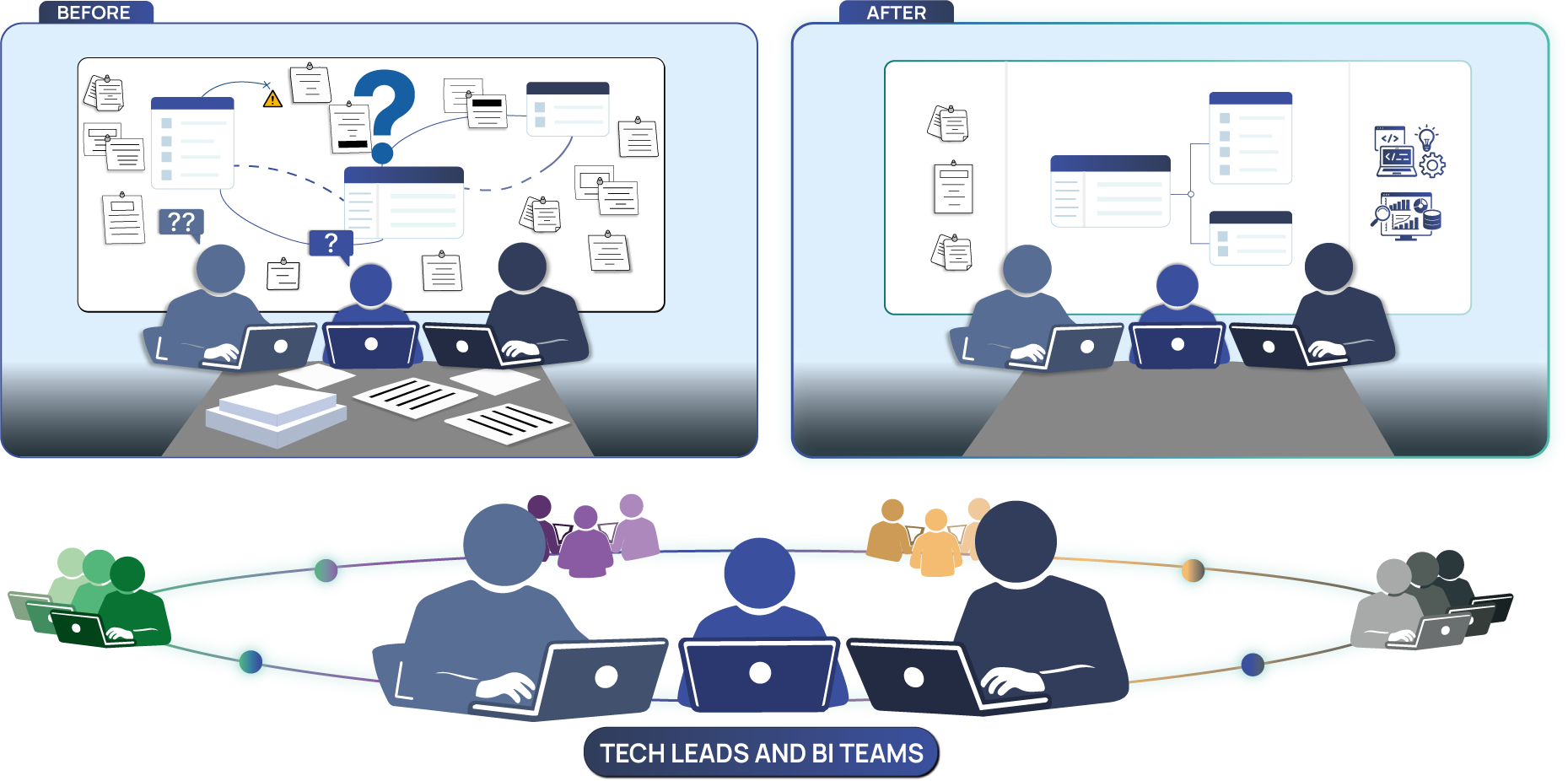
The instinct is often to solve this with a better tool. The actual lever is centralization: the discipline of maintaining one authoritative source of truth that all roles – developers, analysts, product managers, support teams – can trust and contribute to. Tool choice matters, but it is secondary. A great tool adopted by only one team produces fragmented documentation at a higher cost. Centralization means that schema documentation best practices and business definitions live in the same accessible layer, reducing the translation work that burns engineering time.
What Does an Effective Collaborative Documentation Model Look Like?
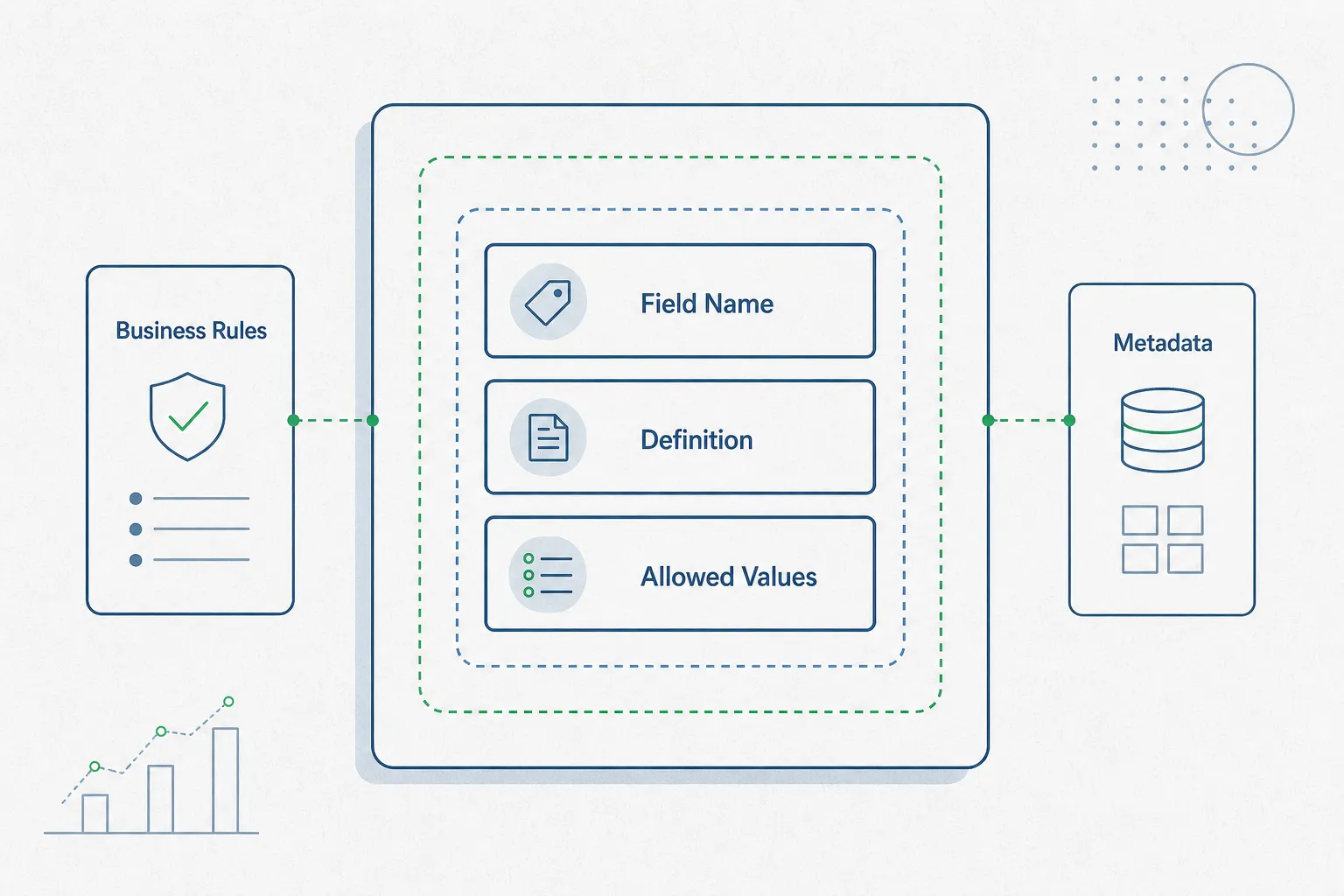
Effective collaborative documentation for data teams is not a single artifact – it is a stack of three complementary layers, each serving a distinct audience and purpose. Understanding this structure prevents the most common mistake: choosing one tool and expecting it to solve everything.
Layer 1: Data catalogs for metadata, lineage, and ownership
The data catalog layer is the machine-readable, structured foundation. It captures metadata – table names, column types, relationships, row counts – along with lineage (how data flows from source to consumption) and ownership (which team or person is accountable for a given dataset). This layer is the one most aligned with data governance requirements: it provides the audit trail that compliance and security teams need.
Data catalogs serve technical users well. They integrate with database infrastructure and surface information that would otherwise require direct schema inspection. Their weakness is that they can feel opaque to non-technical stakeholders who need plain-language definitions, not metadata tables.
Layer 2: Team wikis for operational knowledge and runbooks
The wiki layer captures the human context that metadata cannot: why a particular table exists, what business logic drove its structure, how an on-call engineer should respond to a specific alert, and what a “confirmed order” actually means in the context of the company’s data model. This is the layer most accessible to analysts, product managers, and support teams.
Wikis are flexible and fast to set up, but they decay rapidly without active governance. Pages go stale. Definitions drift from reality. The strength of this layer is accessibility; the weakness is discipline-dependence.
Layer 3: Code-connected documentation for transformation logic
The code-connected layer – exemplified by tools like dbt, which generates documentation directly from transformation models and YAML configurations – keeps documentation tightly coupled to the code it describes. When a transformation changes, its documentation changes with it. This reliability is a significant advantage over manual wiki updates.
The tradeoff is accessibility. Code-connected documentation lives in the engineering workflow. Non-technical users rarely navigate a Git repository or a dbt docs site. This layer answers “how does this transformation work?” but not “what does this metric mean to the business?” That answer belongs in Layer 2.
How Do Different Documentation Tools Actually Compare?
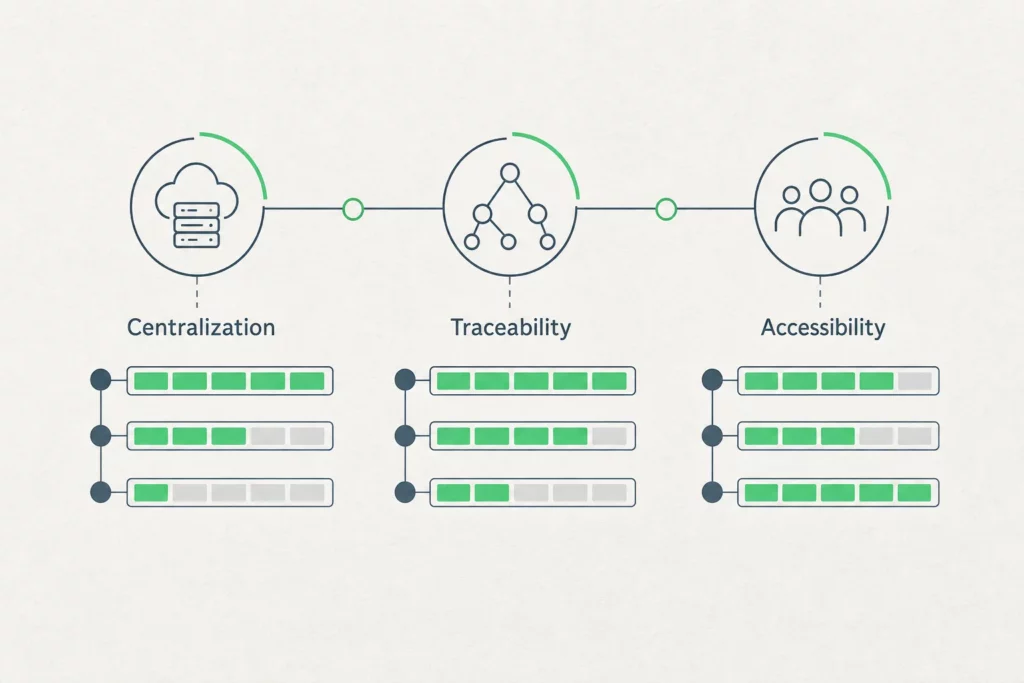
The practical question for most teams is not which layer to build, but which tools to use at each layer and what tradeoffs to accept. The following comparison focuses on the dimensions that matter most: centralization, traceability, accessibility, maintenance burden, learning curve, and cost.
Data catalogs (DataHub, OpenMetadata): tradeoffs between comprehensiveness and complexity
Open-source data catalog platforms like DataHub and OpenMetadata offer strong metadata management and lineage tracking. Their advantage is comprehensiveness: they can ingest schema information from multiple data sources, track data lineage across pipelines, and surface ownership metadata in a searchable interface.
The disadvantage is setup complexity. These platforms require integration work to connect to existing data infrastructure, and they demand ongoing maintenance as schemas evolve. The learning curve for non-technical users is steep enough that catalogs often end up as engineering-only tools, which defeats the goal of a shared source of truth. For teams with mature data infrastructure and dedicated data platform engineers, the investment is justified. For smaller teams, the overhead may outweigh the benefit.
Knowledge base tools (Confluence, Notion, GitBook): flexibility vs. discipline
Confluence, Notion, and GitBook sit at the opposite end of the complexity spectrum. They are fast to set up, familiar to non-technical stakeholders, and flexible enough to host everything from runbooks to business glossaries. Their strength is low friction at adoption time.
Their structural weakness is that they require constant human discipline to stay accurate. There is no automatic connection between a wiki page describing a database table and the actual table in production. When the schema changes, someone has to remember to update the documentation – and that someone is rarely the person who made the change. Archbee notes that documentation debt in wiki-based systems compounds faster than technical debt because it is invisible until it causes a problem.
Code-integrated documentation (dbt, Git-based): reliability vs. accessibility
Code-integrated documentation tools generate documentation as a byproduct of the engineering workflow. The reliability advantage is real: when a developer updates a dbt model and its YAML description, the documentation stays synchronized with the code by design, not by habit.
The accessibility problem is equally real. A non-technical stakeholder cannot navigate a dbt docs site or a GitHub repository to answer a business question. This makes code-integrated documentation a strong internal engineering tool but a poor substitute for a shared organizational source of truth. It works best as Layer 3 feeding into a more accessible Layer 2 or Layer 1 interface.
Comparative framework
| Approach | Centralization | Traceability | Accessibility | Maintenance | Learning curve |
|---|---|---|---|---|---|
| Data catalog (DataHub, OpenMetadata) | High | High | Low-Medium | High | Steep |
| Wiki (Confluence, Notion) | Medium | Low | High | High (manual) | Gentle |
| Code-connected (dbt, Git) | Medium | Medium | Low | Low (automated) | Medium |
| Automated schema documentation | High | High | High | Low (automated) | Gentle |
The final row reflects what real-time collaboration on schema documentation looks like in practice: automatic documentation generated at schema import, accessible to all profiles without requiring engineers to maintain wiki pages manually.
Common Pitfalls and How Successful Teams Avoid Them
Documentation initiatives fail in predictable ways. The failure mode is rarely technical – it is organizational.
Adoption barriers: tooling fatigue, unclear ownership, and resistance to discipline
Data teams already operate across 5-6 tools. Adding a documentation platform without removing or integrating something creates tooling fatigue, where the new tool becomes one more tab no one keeps open. The adoption barrier compounds when ownership is unclear: if no role is explicitly accountable for keeping documentation current, everyone assumes someone else is doing it.
Resistance to documentation discipline is also structural. Engineers are rewarded for shipping features, not for writing table descriptions. Without documentation review steps built into existing workflows – pull request reviews, sprint ceremonies, incident postmortems – documentation remains aspirational.
Best practices: documentation standards, review workflows, and governance
HackMD’s 2026 collaborative documentation practices framework identifies three governance levers that consistently improve documentation quality: mandatory description fields at schema creation, documentation review checkpoints in deployment workflows, and regular quarterly audits that flag stale pages. These are not cultural interventions – they are structural constraints that make undocumented work harder to ship than documented work.
Ownership assignment at the table or dataset level – not the team level – is the other high-impact practice. Broad team ownership creates diffusion of responsibility. Naming a specific owner per domain creates accountability without requiring centralized gatekeeping.
Building a culture of documentation
Culture follows structure. When documentation is the default path – when generating schema docs is automatic, when adding a business definition requires one click rather than opening a separate wiki – adoption follows. The teams with the strongest documentation cultures are not those with the most disciplined engineers; they are those with the least friction between creating data and describing it. Collaboration increases productivity by 25% or more when teams invest in the right internal tools, as Zippia (2026) documents – but only when those tools are actually used.
Building Your Collaborative Documentation Roadmap

A documentation roadmap does not need to start with a platform selection. It starts with an honest audit.
Assessment: audit your current state
Map every place where data documentation currently lives: spreadsheets, Slack channels, README files, Confluence spaces, inline code comments. For each location, assess freshness (when was it last updated?), ownership (who is responsible?), and accessibility (can a non-technical stakeholder find and use this?). This audit will reveal your actual documentation architecture, which is almost always more fragmented than perceived.
Foundation phase: choose your core layers
Select one tool per layer and commit to it before adding integrations. For teams starting from scratch, the most pragmatic sequence is: begin with automated schema documentation to capture the structural layer without manual effort, then add a lightweight wiki for business context, and defer the full data catalog build until the team has the engineering capacity to maintain it. Resist the temptation to buy a comprehensive platform before the team has developed the documentation habit.
Integration phase: connect tools and workflows
The documentation system becomes durable when it is connected to existing engineering workflows rather than parallel to them. This means triggering documentation updates on schema changes, including documentation review in pull request checklists, and surfacing documentation gaps in sprint planning. The connection between deployment workflows and documentation tools is where the discipline requirement gets replaced by structure.
Scaling and maintenance strategies
As teams and data volumes grow, the maintenance challenge shifts from creation to curation. Establish a quarterly documentation review cycle with explicit owners. Use automated staleness detection where available – tools that flag documentation pages not updated since the last schema change. And treat documentation debt like technical debt: track it, prioritize it, and allocate capacity to reduce it in every planning cycle.
Frequently Asked Questions
What is collaborative documentation and why do data teams need it?
Collaborative documentation is a shared, continuously updated knowledge base that captures both the technical structure of data systems (schemas, lineage, metadata) and the business context needed to interpret them (definitions, ownership, logic). Data teams need it because knowledge distributed across individuals and tools becomes inaccessible when those individuals leave or those tools diverge – producing the maintenance overhead that currently consumes the majority of analytics professionals’ working time.
What are the key benefits of centralizing data documentation?
Centralization eliminates the search overhead that fragments engineering time, creates a single source of truth that all roles can trust, and provides the traceability audit trail that data governance and compliance frameworks require. It also reduces onboarding time: new team members can understand data systems by reading documentation rather than interviewing colleagues.
How do data catalogs differ from traditional wikis and documentation tools?
Data catalogs are schema-aware and integrate directly with data infrastructure to capture metadata, lineage, and ownership automatically. Traditional wikis are flexible and accessible but require manual updates and have no native connection to the actual data systems they describe. The practical difference is maintenance: a catalog stays synchronized with schema changes by design; a wiki stays synchronized only if someone remembers to update it.
What are the main challenges in implementing collaborative documentation?
The three consistent challenges are tooling fatigue (adding a tool to an already overloaded stack), unclear ownership (no named accountable party per dataset), and workflow disconnection (documentation lives outside the deployment process, making it easy to skip). Organizations that address these structurally rather than culturally see significantly higher adoption rates.
How do you choose between different data documentation approaches?
Start from your audience and your maintenance capacity. If your primary audience is non-technical stakeholders and your team is small, a wiki plus automated schema documentation will outperform a complex data catalog that no one maintains. If your team has dedicated data platform engineers and strong governance requirements, a full catalog with lineage tracking justifies the integration investment. In all cases, automated schema documentation at the foundation – generating descriptions directly from database imports – reduces the manual burden enough to make the other layers sustainable.